
MediaSort
Phone Utilities
Find the photos, videos and voice notes eating your storage, then delete, protect or compress them.
From a full phone to free space in four steps.
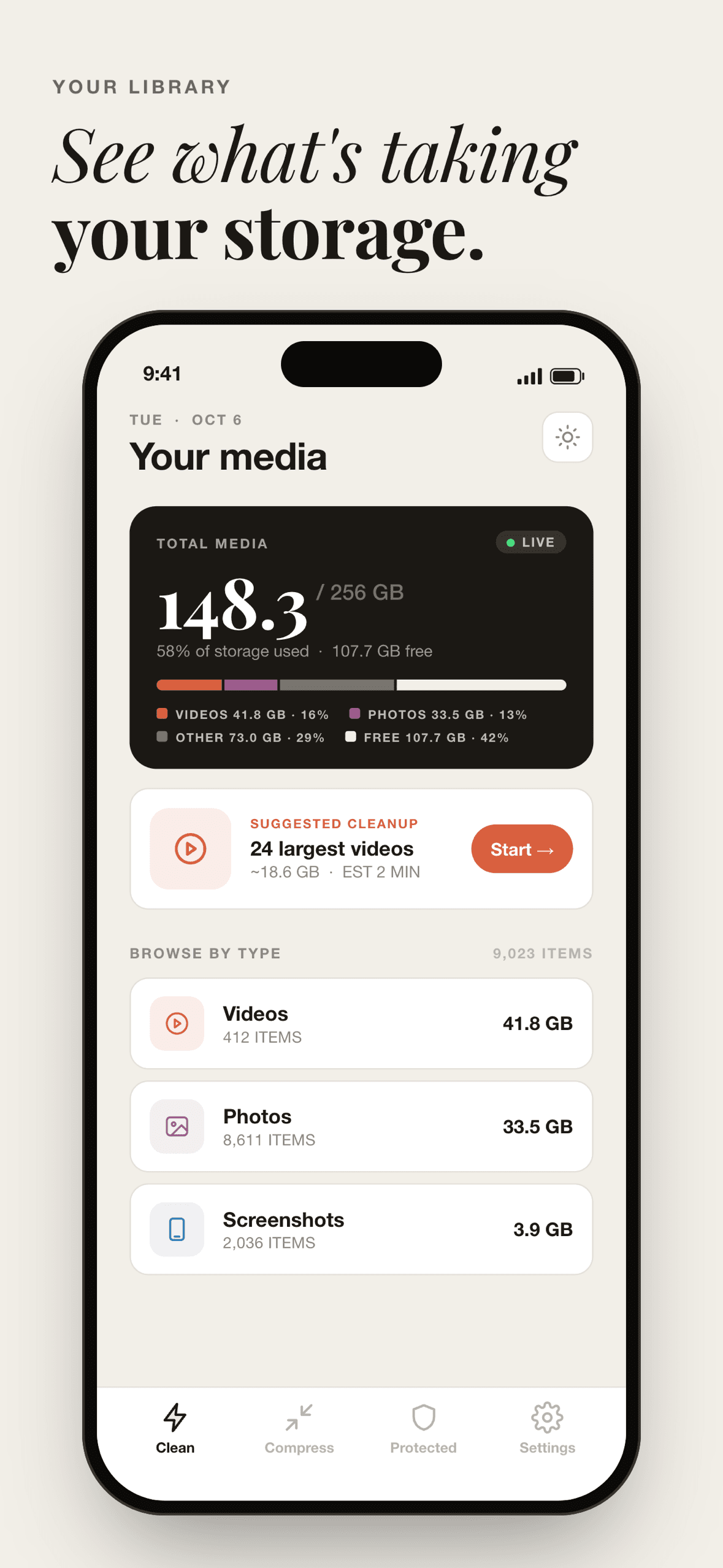
See what's heavy
A dashboard breaks your storage down by videos, photos and screenshots, and suggests the biggest cleanup first.
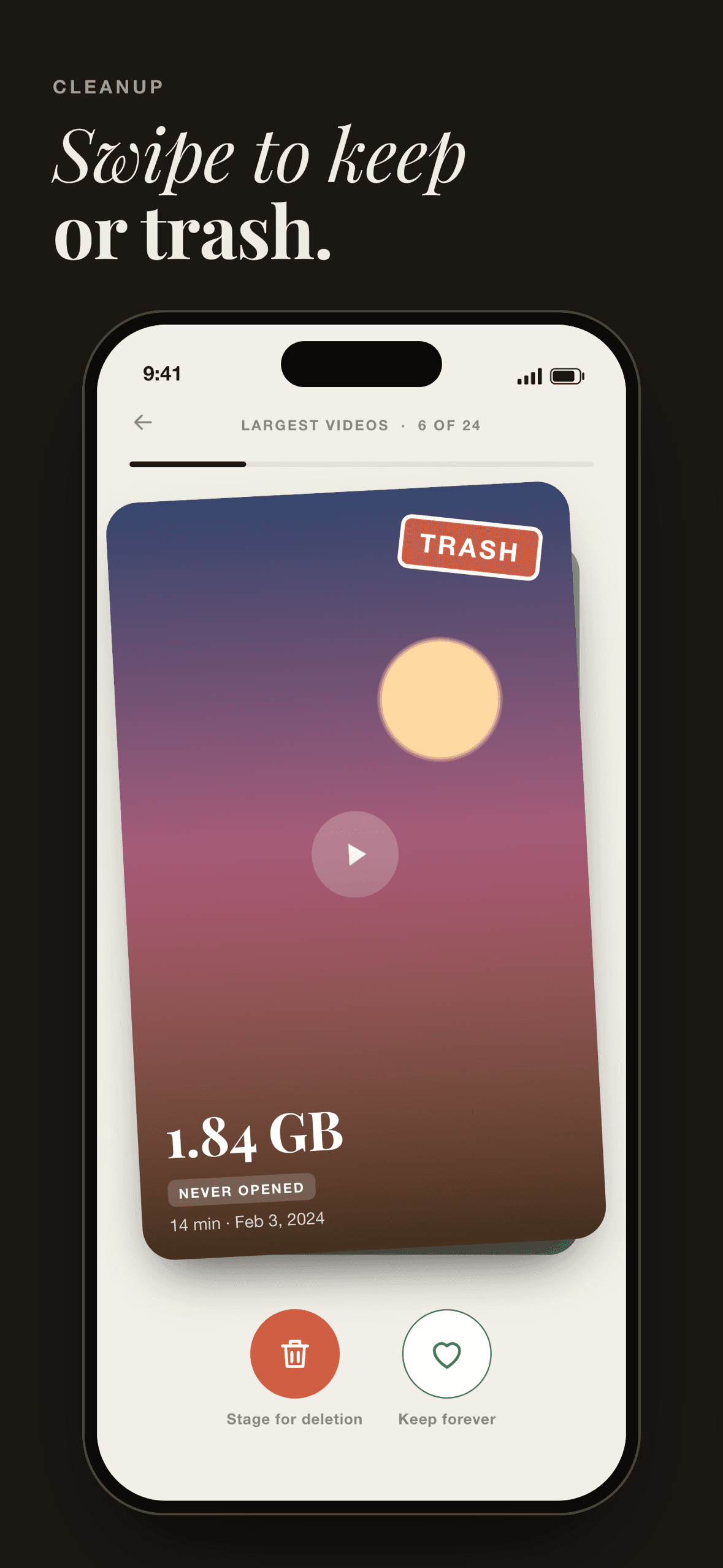
Swipe to decide
Go through your largest items one at a time — stage one for deletion, or keep it forever.
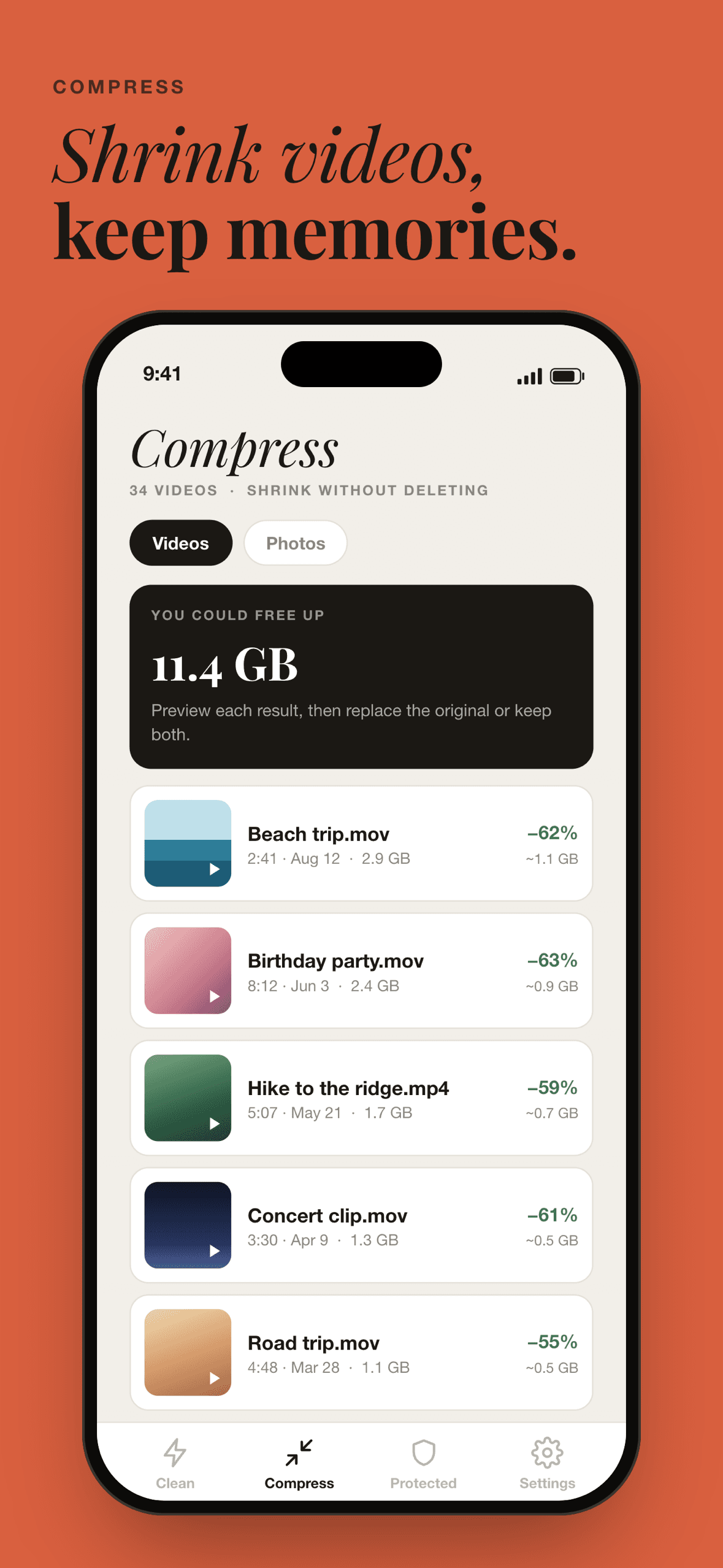
Compress what you keep
Make a smaller copy of a video or photo you want to hold on to, and compare it with the original.
Confirm every delete
Nothing is removed until you confirm in your device's own system prompt.
Everything MediaSort does.
Storage dashboard
See how much of your device is used and how it splits across videos, photos, screenshots and free space.
Suggested cleanups
Start with the most worthwhile job — like your largest videos — with the space it could free up shown up front.
Swipe cleanup
A card-by-card review: stage an item for deletion or keep it forever, with its size and date in view.
Compress without deleting
Shrink videos and photos into smaller copies. Replace the original, keep both, or discard the copy — only after you've compared them.
Protected items
Protect what matters and it stays out of every cleanup suggestion, so you can't delete it by accident while swiping.
Quality you control
Balanced keeps videos at 1080p; Smallest drops to 720p. Switch between original and compressed before you choose.
See it in action.
Built to keep your data private.
- Your photos, videos and their file names never leave your device.
- No accounts, no ads, and no tracking across apps — the advertising ID is not used.
- Items are deleted only after you confirm in your device's own system prompt.
- Anonymous usage statistics can be switched off at any time in Settings → Privacy.
- Payments are handled by Apple or Google — MediaSort never sees your payment details.
Try it free. Pay once if you keep it.
Free trial
- 5 videos moved to trash
- 20 photos moved to trash
- 5 compressions saved
LifetimeOne-time purchase
- Unlimited cleanups
- Unlimited compression
- Not a subscription — never renews
- Restore on any device signed in to the same Apple ID or Google account
Common questions.
Does MediaSort upload my photos?
No. Your photos and videos never leave your device, and nothing about them — not even their names — is sent anywhere. The app goes online only to handle your one-time purchase and to send anonymous usage statistics, which you can turn off in Settings → Privacy.
I deleted items, but my storage didn't go down. Why?
On iPhone, deleted items move to the Recently Deleted album in Photos and keep using space for 30 days. To free it now: Photos → Albums → Recently Deleted → Select → Delete All. On Android, deleted items are removed right away, though some gallery apps keep their own trash for 30 days.
What does protecting an item do?
Protected items stay out of every cleanup suggestion, so you can't delete them by accident while swiping. They stay in your library exactly as they are, and you can unprotect one at any time.
Will compressed videos look worse?
Balanced, the default, keeps videos at 1080p, which looks clean on a phone or TV. Smallest drops to 720p. You can compare the original and the compressed copy before deciding, and keep the original if you prefer it.
Is MediaSort free?
You can try it free: 5 videos and 20 photos moved to trash, and 5 compressions. After that, a single one-time purchase unlocks unlimited cleanups and compression. It isn't a subscription and never renews.
Which platforms is MediaSort on?
iOS (iPhone) and Android. MediaSort is currently in development — email to be told when it's available.
Get MediaSort the day it ships.
Leave your email and you’ll hear once, when it’s available on iOS and Android.
Also in the lineup.
 In development
Life Hours
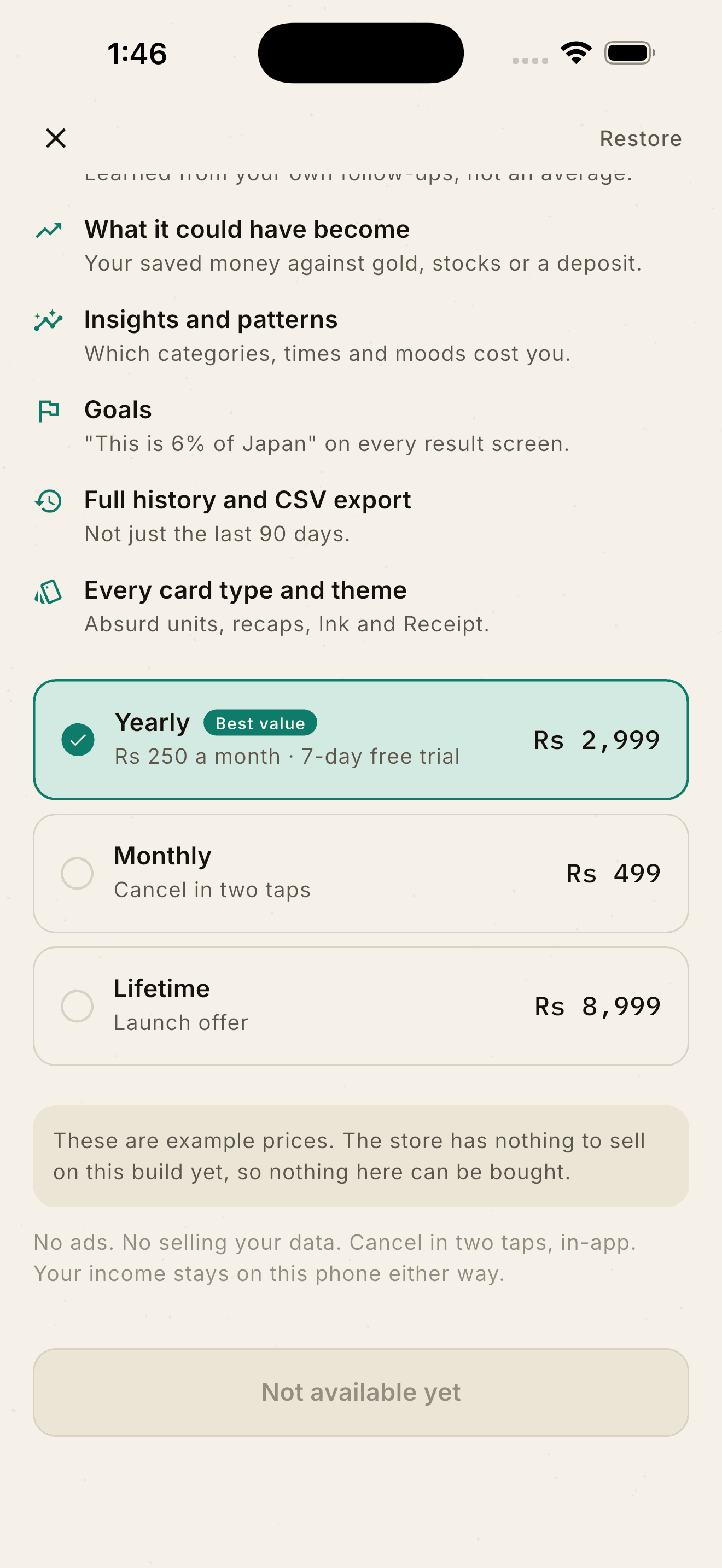
Life Hours turns any price into hours of your own working life before you buy — then asks, 30 days later, whether it was worth it.
View app In development
Checkyn
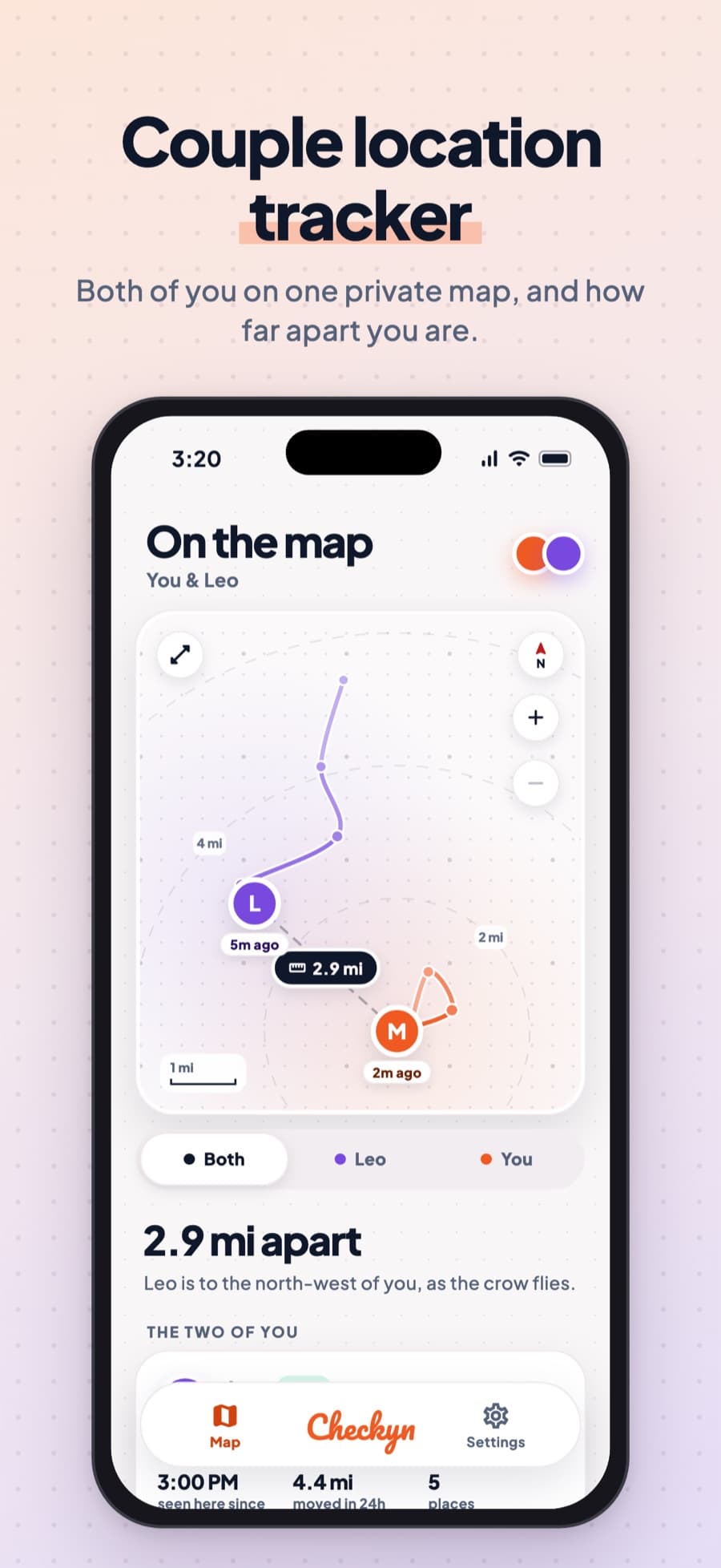
Checkyn is a private map for two. Pair with your partner, choose to share where you are, and see how far apart you are and your last 24 hours.
View app